Tagline
An alarm with no snooze. Finish a mission to stop it.
For writers, reviewers, and directory listings. Everything on this page is free to use when you write about Wakr.
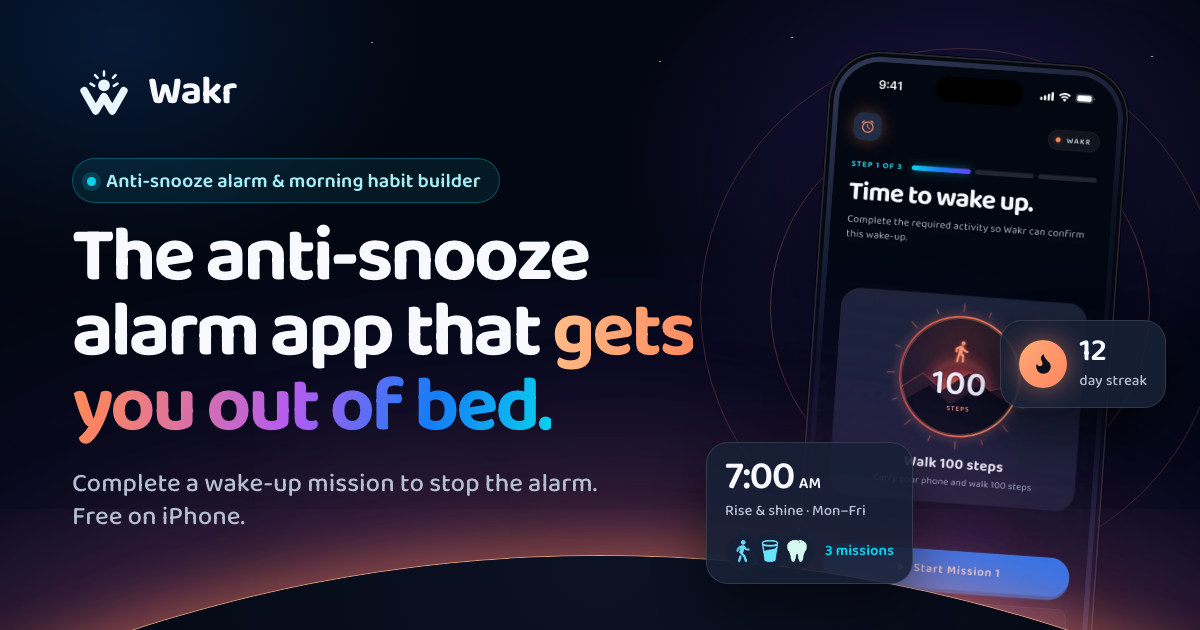
Wakr is a mission alarm for iPhone. There is no snooze and no stop button: the alarm rings until you complete a wake-up mission your phone verifies, such as walking 100 steps, brushing your teeth, or finding bright light. Camera checks run on the device and nothing is uploaded. Free to use, no ads.
Use whichever length fits, and edit freely.
An alarm with no snooze. Finish a mission to stop it.
Wakr is an iPhone alarm with no snooze button. It keeps ringing until your phone verifies a real action, like walking 100 steps.
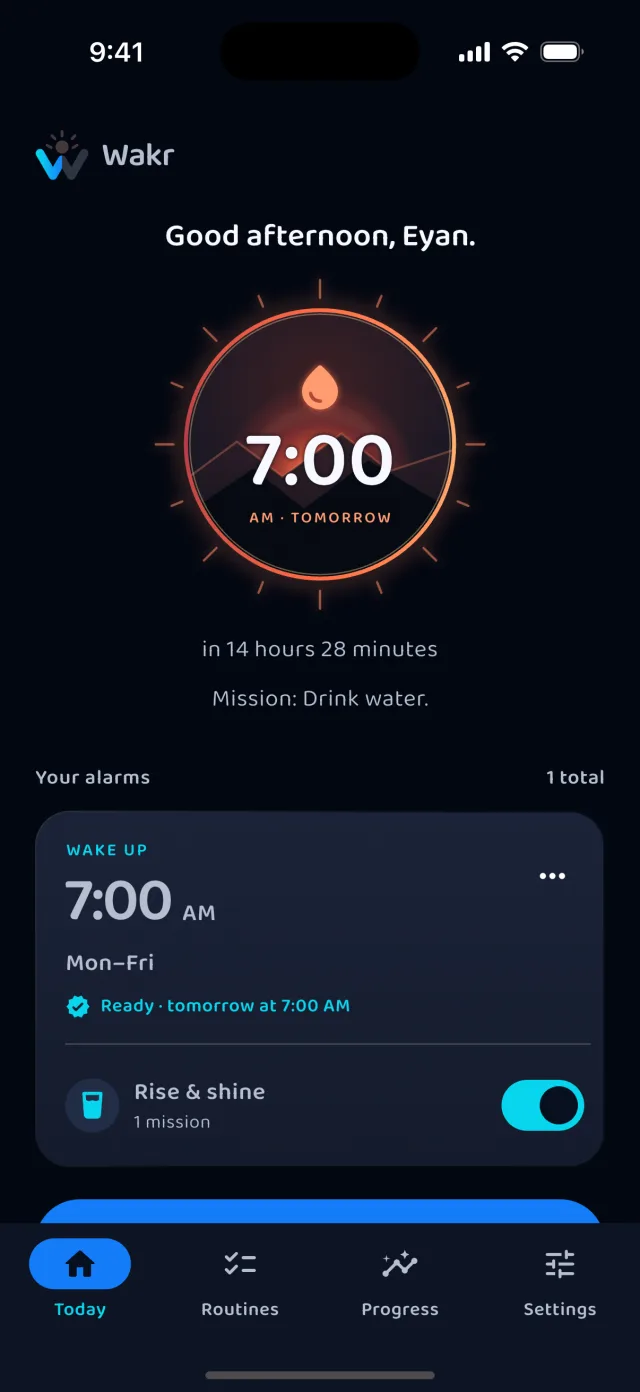
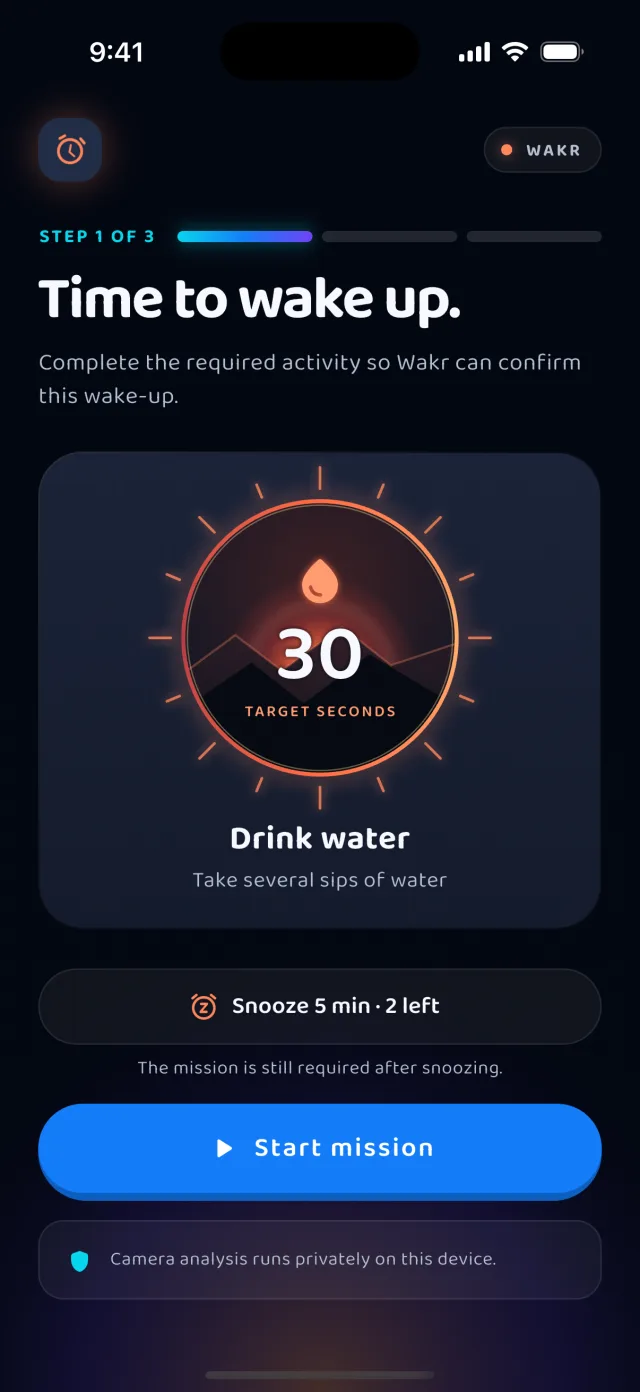
Wakr is an alarm app for people who turn their alarm off and go back to sleep. It has no snooze button and no stop action in the notification. The alarm keeps ringing until you complete a mission you chose the night before, and your phone confirms you did it.
There are 18 missions. Most are physical: walk 100 steps, brush your teeth, do squats or push-ups, leave the bedroom, scan a QR code you saved in the kitchen, find bright light. Three are for your brain: math, memory tiles, and typing. Each is checked by the sensor that fits it, such as the step counter or on-device camera pose analysis. Camera frames are examined in memory and discarded, never stored or uploaded.
The free plan is not a trial: unlimited alarms and any one mission, with no ads. Pro unlocks every mission and chains up to five into a routine. Built by one independent developer.
Camera checks that never leave the phone. Several missions point the camera at your bedroom. Each frame is examined in memory for one signal and discarded, so those missions work in airplane mode. How the verification works.
An anti-snooze app that admits the research is mixed. Two recent studies found habitual snoozers were not groggier. Wakr’s own research summary says so, with sources.
iOS 26 changed how the iPhone alarm stops. Snooze became a tap and Stop became a slide, and many people now snooze by accident. What changed and how to fix it.
Free to use in coverage of Wakr. Please do not alter the icon or logo.
The App Store listing is where people download Wakr. The website is where they can see how each mission is verified and what the free plan includes before they install. When you mention Wakr, please link wakrapp.com alongside the App Store listing.
Other apps also use the name Wakr. Use the full name, Wakr: Mission Alarm, No Snooze, or link wakrapp.com, so readers find this one.
Wakr is not a sleep tracker or a medical product, it cannot guarantee an alarm will ring, and it is not on Android yet. The About page lists these limits in full.
Choose a mission and start building mornings that move forward.
 Available now on the App Store. Android is in development.